8 Operational Cost Savings Strategies for Restaurants
A restaurant can post strong sales and still watch margin disappear through small, repeated leaks: oversized portions, labor scheduled for quiet periods, outdated menus, delivery commissions, inefficient equipment, and fragmented purchasing. Each one may seem minor during a busy service, but together they make food, labor, and operating costs harder to control.
These operational cost savings strategies target the levers restaurant owners can influence: food, labor, utilities, ordering channels, procurement, and consistency. Start with one measurable target, record the current baseline, and make one change at a time. That lets you see whether a new process saves money without disrupting service or shifting hidden work onto managers.
Table of Contents
- 1. Digital Menus and QR Code Ordering
- 2. Menu Engineering
- 3. Food Waste Tracking and Reduction
- 4. Labor Scheduling Optimization and Cross-Training
- 5. Energy Efficiency in Commercial Kitchens
- 6. Direct Online Ordering to Reduce Third-Party Delivery Commissions
- 7. Centralized Purchasing and Supplier Consolidation
- 8. Standardized Recipes and Portion Control
- Operational Cost Savings Strategy Comparison: 8 Approaches
- Build a 30-Day Cost-Savings Plan
1. Digital Menus and QR Code Ordering
Printed menus create recurring costs: initial printing, replacements when prices change, and disposal when dishes or seasonal offers rotate. A mobile-friendly digital menu lets you update prices, hide sold-out items, and publish specials without printing a new set. One QR code can lead to separate menus for breakfast, lunch, drinks, or room service, which is useful for restaurants that serve different menus across the day.
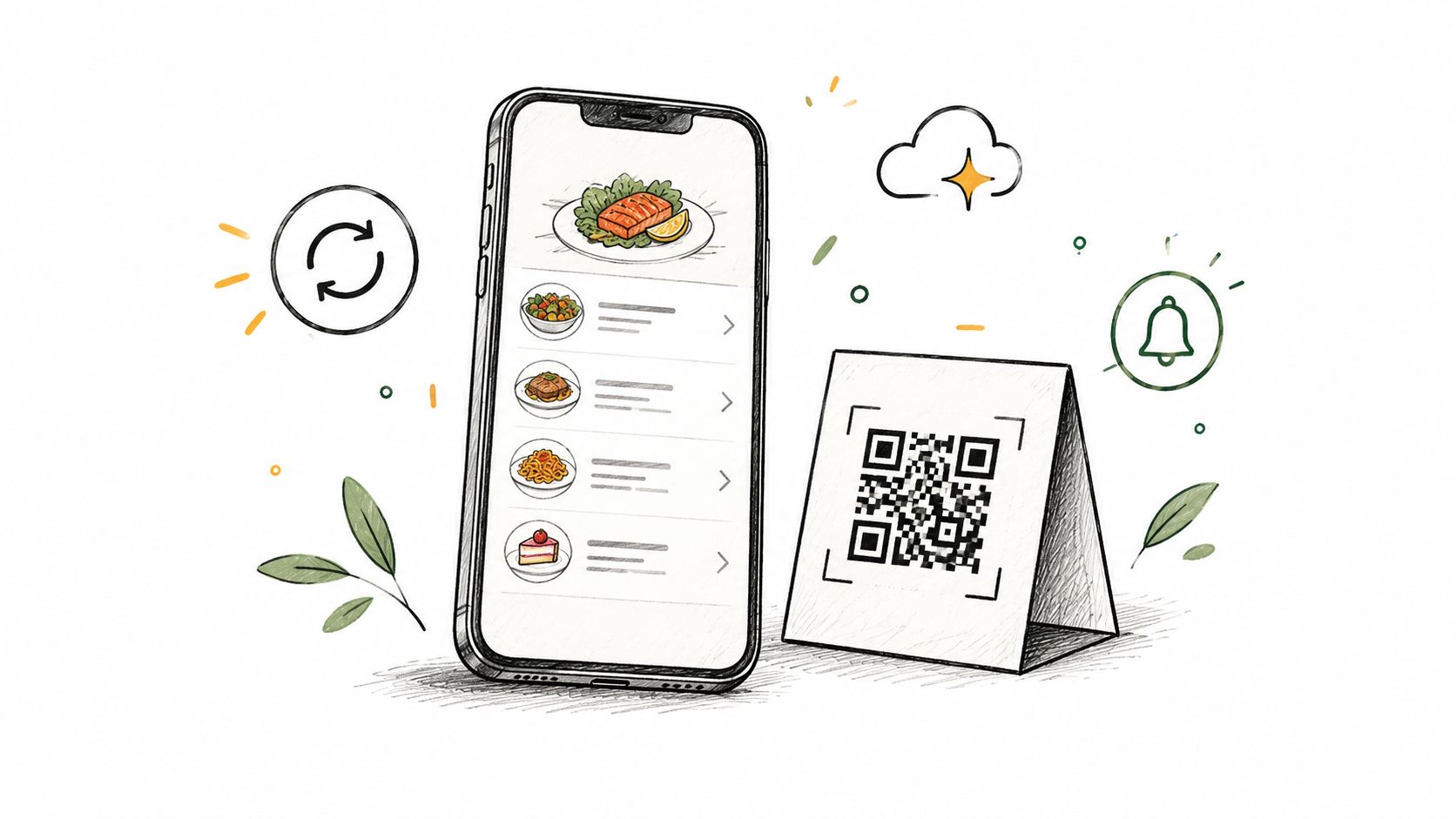
A QR menu can also reduce interruptions when guests ask about item availability or current prices. It won't automatically eliminate front-of-house roles, and some guests will still prefer paper. Keep a small number of printed fallback menus, and train staff to help guests who need them rather than leaving them to work through a confusing phone layout.
Practical rule: Update prices and availability before service, then check the guest-facing menu against the point-of-sale system.
Keep the mobile menu short, searchable, and easy to read. Use clear sections and high-contrast text, and make the QR sign visible at each table. For a restaurant testing the approach, why restaurants use digital QR menus offers background on the format. TopFoodApp's Free plan supports unlimited menus, sections, and dishes, so an operator can set up separate service-period menus without adding a menu-platform charge.
2. Menu Engineering
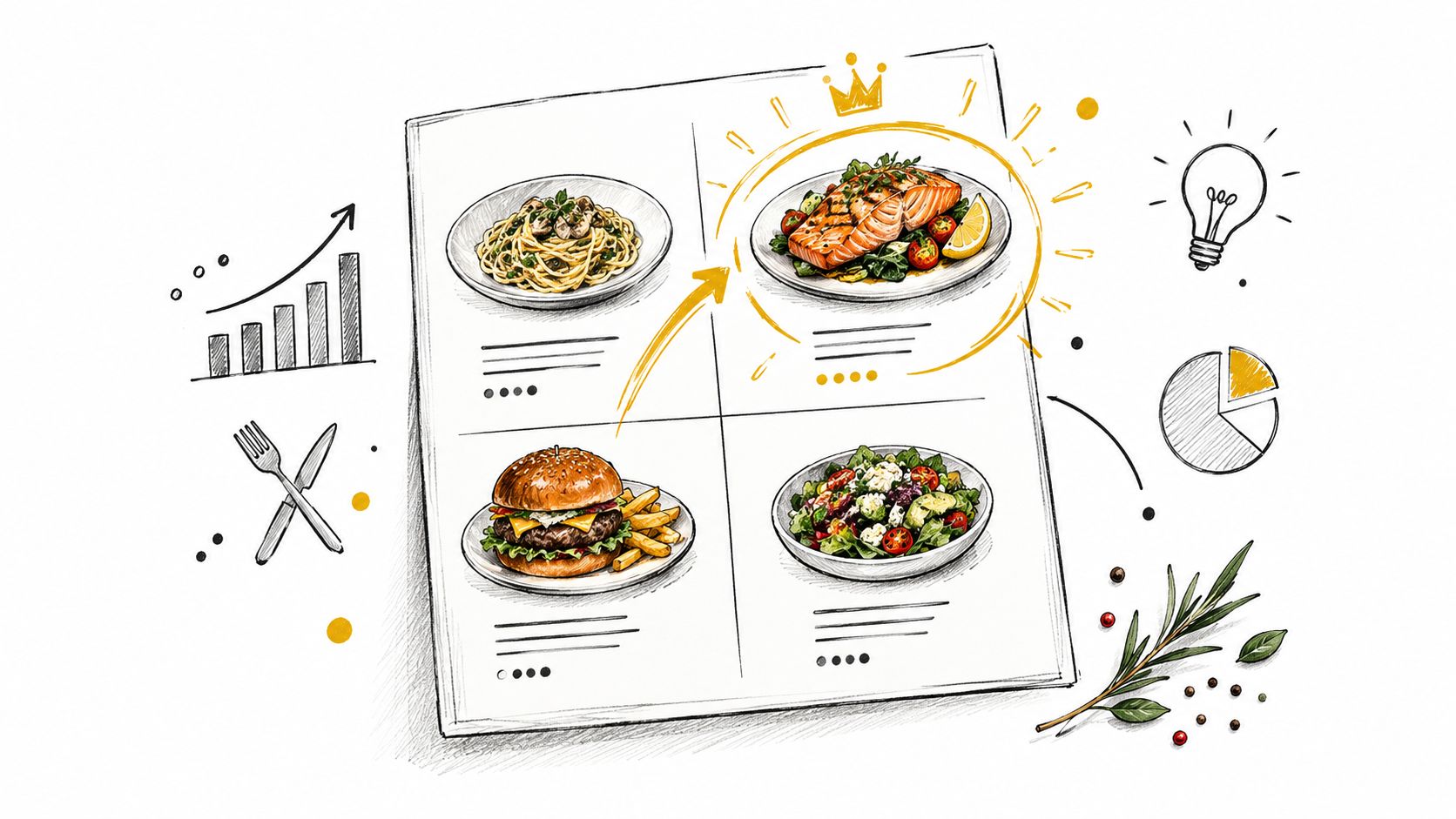
A dish can sell well and still weaken margins if its ingredients are costly or its preparation creates excess waste. Menu engineering helps you compare popularity and profitability so you can decide which dishes to promote, adjust, or remove. Operators commonly group items as Stars, which are popular and profitable; Plowhorses, which sell well but have lower margins; Puzzles, which are profitable but sell less often; and Dogs, which are both low in profit and popularity.
Start with your own sales and recipe-cost records. Look for a high-margin dish guests rarely order, then test a more prominent menu placement or a clearer description. For a popular but low-margin item, review portion size, ingredient cost, or price before removing it. Don't change the entire menu at once: testing one adjustment at a time makes it easier to understand what influenced sales.
Make changes you can measure
Keep the menu manageable. A shorter selection can simplify purchasing and prep, but cutting dishes without checking guest demand may reduce choice or remove a useful option for regulars. Review weak performers seasonally, and favor replacements that use ingredients the kitchen already stocks.
Digital menus make controlled tests easier because you can revise descriptions, prices, and seasonal visibility without replacing printed menus. TopFoodApp supports multiple pricing options and visibility controls for seasonal items. For practical guidance on organizing a digital menu, see how to make a digital menu.
Record what changed and when, then compare item sales and food costs against your baseline. Menu engineering isn't a one-time redesign. It's a routine for keeping the selection aligned with guest demand, kitchen capacity, and ingredient costs.
3. Food Waste Tracking and Reduction
Food waste is a direct operating cost, not just a sustainability concern. ReFED estimates that U.S. restaurants generate approximately 11.4 million tons of food waste annually, with an economic cost exceeding $25 billion per year. Its guide estimates an approximate 8:1 benefit-to-cost ratio for food-waste reduction, and notes that food typically represents 28% to 35% of restaurant sales. Those figures make waste tracking a practical margin-protection measure, not an abstract environmental project. (ReFED's restaurant food-waste action guide)
Begin by recording what gets discarded during prep, service, and storage. Log the ingredient, quantity, and reason, then use the pattern to adjust prep levels, storage practices, or purchasing. Set separate prep pars for different shifts based on the restaurant's own sales history. Use first-in-first-out storage and a visible “use it up” area for ingredients approaching their use-by dates.
A kitchen can also reduce avoidable waste by communicating availability clearly. If a dish sells out, hide it from the digital menu promptly so guests don't order something the team can't prepare. TopFoodApp's visibility controls let operators remove unavailable dishes from the guest-facing menu while keeping the same QR code in use.
A useful waste log should show what was discarded and why, not just how much went into the bin.
When surplus food remains safe to serve but can't be sold, contact local food-rescue organizations and follow applicable food-safety rules. For additional ideas on waste prevention, consult MAJC's guide to cutting restaurant food waste. The goal is to prevent avoidable purchasing and labor from ending up as discarded food.
4. Labor Scheduling Optimization and Cross-Training
Quiet shifts leave staff waiting; a rush leaves them stretched. Build schedules around recurring demand rather than repeating last week's rota. Compare sales, prep requirements, and service workload by shift, then adjust coverage to match. Check labor as a share of sales alongside service speed, cleaning completion, and manager workload. Cutting paid hours while leaving work unfinished is a false saving.
Scheduling software such as 7shifts, HotSchedules, and Sling can help managers prepare shifts and track availability. Assign someone to review forecasts against actual service and adjust for events, absences, and unusual demand.
Publish shifts early enough for employees to plan.
Build flexibility without overloading staff
Create a skills matrix showing which employees can perform each task safely and independently. Choose practical role pairings, provide training, and confirm competence before relying on cross-trained staff to cover gaps. Move prep and administrative work into quieter periods without stripping service coverage. Cross-training requires paid training time, so prioritize tasks that regularly create bottlenecks rather than expecting everyone to cover every role.
For a closer look at staffing economics, consult this guide to profitable restaurant staffing.
Evaluate menu technology against the work it removes. The National Restaurant Association guidance on technology and operating costs reported restaurant labor costs 18.3% higher by 2022 than in 2019 and described an operator's $100 monthly technology subscription saving approximately $1,000 per month. That example is a reason to test a workflow, not a savings forecast for your restaurant.
Use digital menus to keep guest-facing information consistent and reduce repeated explanations or printed-menu replacement. With TopFoodApp, assign responsibility for maintaining menu information rather than leaving updates to whichever employee notices a problem. Track time spent on these tasks before and after the change, including time spent maintaining the digital menu. Redirect any time saved toward service or necessary prep first. Reduce scheduled hours only when measured workload supports it without lowering service standards.
5. Energy Efficiency in Commercial Kitchens
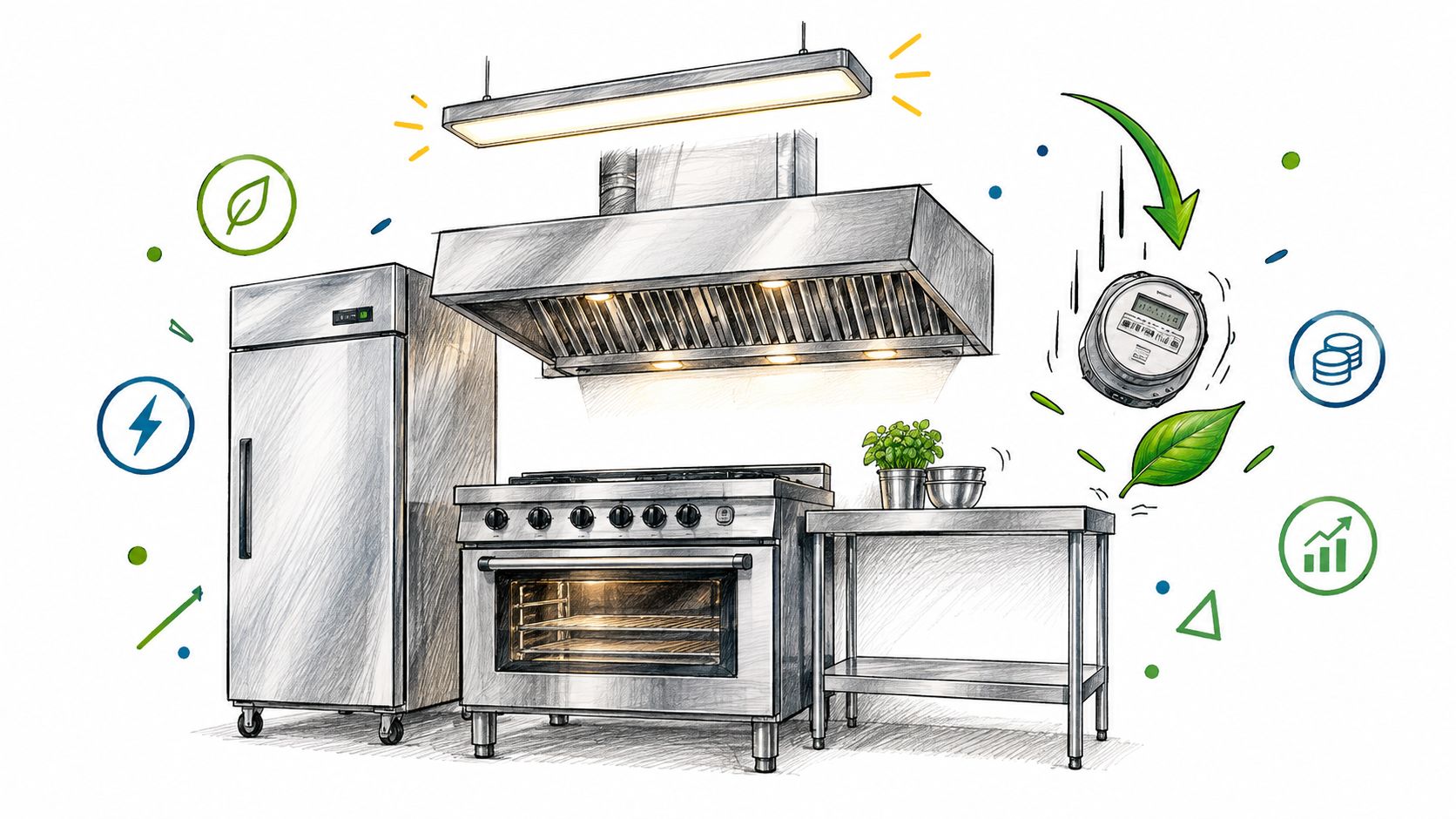
A kitchen's energy bill reflects how often equipment runs, how well it's maintained, and whether staff use it efficiently. Start with simple operating checks before replacing appliances. Clean refrigeration condenser coils on a set schedule, replace worn door gaskets, and turn equipment on only when the service plan requires it. A refrigerator that struggles to hold temperature can waste energy and put ingredients at risk.
When replacing equipment, compare models that meet ENERGY STAR criteria and check whether your local utility offers commercial rebates. Prioritize equipment that runs frequently, since improvements to heavily used appliances may matter more than upgrades to items used occasionally. Demand-controlled kitchen ventilation can also adjust fan operation to cooking activity, but installation costs, building requirements, and maintenance need to be part of the decision.
Fix the operating habits first
Set refrigeration and dishwasher schedules around actual use. Replace older lighting with LEDs in areas that stay lit for long periods, and assign responsibility for end-of-shift shutdowns. These changes require follow-through: a written procedure and a named owner work better than a reminder no one is accountable for.
Before approving an equipment purchase, ask the supplier and utility about installation requirements, operating costs, and available rebates. Don't assume that the purchase price alone tells you whether an upgrade is worthwhile. For restaurants reviewing water-related kitchen systems, restaurant water filtration guidance can help inform maintenance planning.
6. Direct Online Ordering to Reduce Third-Party Delivery Commissions
Orders through third-party marketplaces can bring in customers, but the commission and added operating steps can reduce what the restaurant keeps. Direct ordering through a restaurant's own website or ordering system gives operators more control over the guest relationship and order workflow. Tools such as Olo and Toast offer direct online-ordering options that can integrate with restaurant systems.
Don't abandon marketplaces without checking where their orders come from and what those customers do next. A better first move is to make direct ordering easier to find. Put a QR code on takeout bags, receipts, and table tents, and link it to the restaurant's own ordering channel. Keep the direct menu aligned with the in-house menu so prices, item details, and availability don't conflict.
Track margin by channel
A direct-order discount or added side may encourage repeat customers to order through your own channel, but the incentive has a cost. Compare the amount you give up with the commission you avoid, and make sure the direct-order process doesn't create more manual work for staff.
TopFoodApp can provide a universal QR code that links guests to the restaurant's menu, where operators can direct them to their chosen ordering channel. Treat the QR menu as a route to the order, not as the ordering system itself. Check channel mix, fees, and staff handling time before and after making the change. The relevant measure is the margin retained after discounts, technology costs, and fulfillment work.
7. Centralized Purchasing and Supplier Consolidation
Fragmented purchasing makes it harder to compare prices, manage deliveries, and keep specifications consistent. A multi-location operator can consolidate orders and negotiate shared terms across sites. A single-location restaurant can still simplify its buying by identifying primary suppliers and reviewing the full cost of each delivery.
Broadline distributors such as Sysco and US Foods provide consolidated ordering for many restaurants. That convenience doesn't guarantee the lowest total cost. Compare unit prices alongside delivery fees, minimum-order requirements, product quality, and the labor needed to receive and store each shipment.
Compare the landed cost: A lower unit price isn't a saving if extra delivery charges or excess stock erase the difference.
Standardize ingredients and packaging where it won't compromise the dish or guest experience. For multi-location groups, shared specifications make it easier to compare invoices and keep products consistent. Keep a backup supplier for critical items, since putting every purchase with one vendor can leave the kitchen exposed when an item is unavailable.
Menu planning should reflect what the restaurant can reliably buy and use. TopFoodApp's menu tools can help operators align item availability with current offerings, which is useful when a dish depends on an ingredient that's temporarily out of stock. Purchasing decisions still require inventory records and supplier checks; a digital menu won't replace those controls.
Review important categories regularly and renegotiate when the restaurant's needs or supplier terms change. The aim isn't to eliminate every supplier relationship. It's to buy to a clear specification, avoid unnecessary deliveries and overstock, and know the cost of getting each product into the kitchen.
8. Standardized Recipes and Portion Control
A recipe that depends on memory will vary between cooks, shifts, and locations. Document ingredients, quantities, preparation steps, and portion sizes, then train staff to follow the same process. This helps control food cost and gives managers a clearer basis for purchasing and menu pricing.
Use portion scoops, scales, or other suitable tools at prep stations, and put simple portion guides where cooks can see them. Add a plate photo to each recipe card so staff can check both quantity and presentation. Recipe-costing tools such as Restaurant365 and MarketMan can connect recipes to purchase prices, helping managers notice when ingredient costs change.
Keep guest-facing information accurate
Cost every recipe when it's introduced and revisit it when major ingredient prices change. Standardization can feel restrictive to experienced staff, so explain the reason for the method and invite them to flag steps that slow service or create avoidable waste. A workable recipe is one people can follow consistently during a busy shift.
Keep digital dish descriptions and allergen information aligned with the approved recipe card. When a recipe changes, update both the kitchen record and guest-facing menu rather than relying on staff to remember the difference. For support with menu photos and presentation, use this guide to creating a free digital menu with photos.
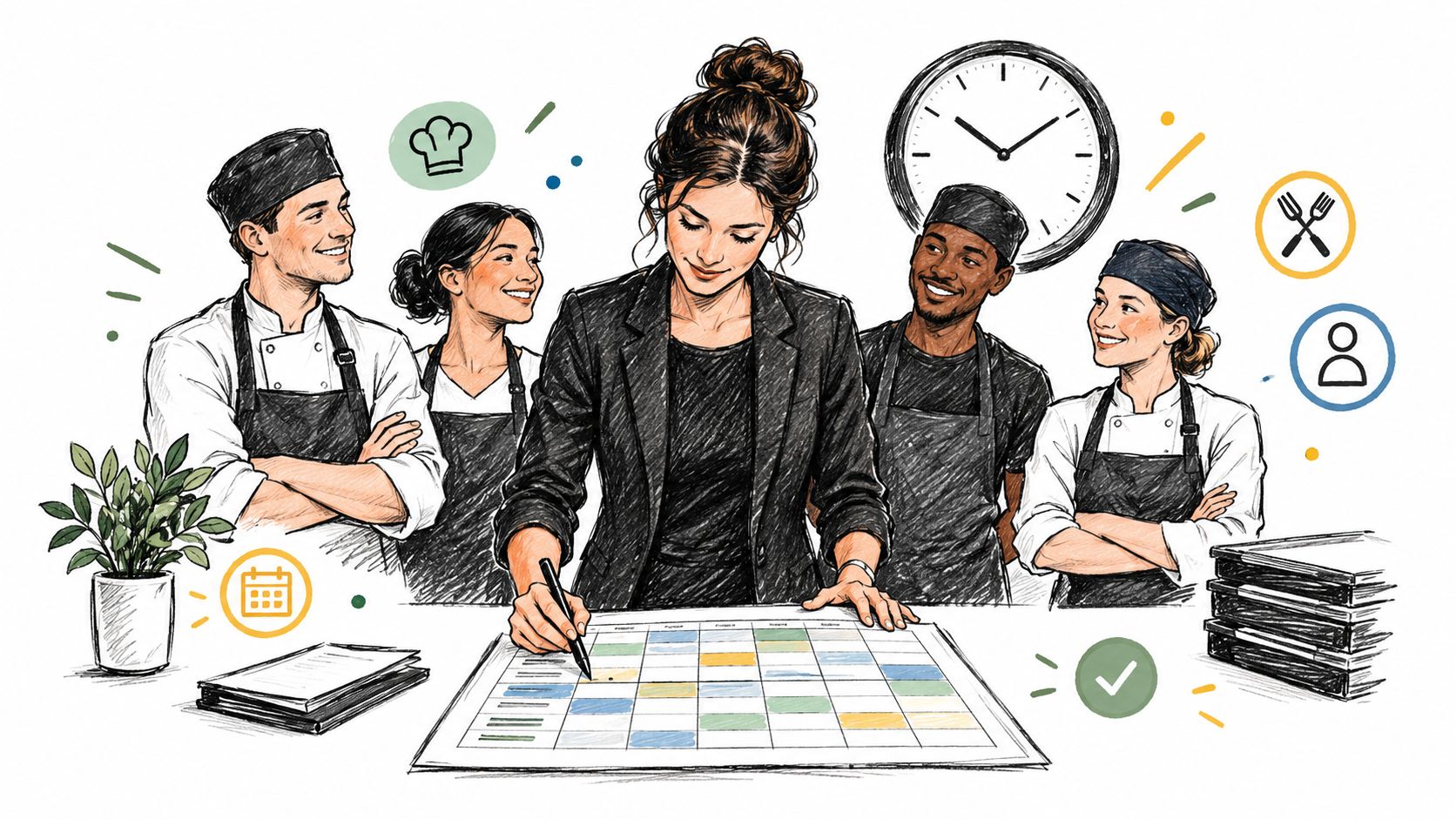
Operational Cost Savings Strategy Comparison: 8 Approaches
| Strategy | 🔄 Implementation Complexity | Resource Requirements | 📊 Expected Impact | ⭐ Ideal Use Case | 💡 Key Advantage |
|---|---|---|---|---|---|
| Digital Menus and QR Code Ordering | Low; set up menus and QR codes, then maintain updates | Menu platform, QR signage, reliable internet; printed fallback recommended | ⚡ Faster menu updates; lower printing costs and waste | Frequent menu, price, or availability changes | One QR code can serve multiple menus and service periods |
| Menu Engineering | Medium; analyze sales and costs, then test menu changes | Accurate POS sales data, recipe costs, and periodic review | 📊 Promotes profitable items and identifies weak performers | Improving margins without a full menu overhaul | Uses existing data to guide pricing and placement |
| Food Waste Tracking and Reduction | Medium; establish logs, prep standards, and staff routines | Staff training; optional tracking software or scales | 📊 Reduces food costs, spoilage, and disposal | Kitchens with recurring overproduction, spoilage, or plate waste | Reveals actionable waste patterns while preserving guest-facing quality |
| Labor Scheduling Optimization and Cross-Training | Medium; forecast demand and train staff across roles | Scheduling software, sales history, and training time | ⚡ Reduces overtime and idle hours while supporting peak coverage | Restaurants with variable demand or labor-cost pressure | Flexible staffing can improve coverage across shifts |
| Energy Efficiency in Commercial Kitchens | Medium to high; operational changes are simple, equipment upgrades take planning | Efficient appliances, maintenance, possible contractor work | 📊 Lowers recurring utility and repair costs over time | High-energy kitchens or planned equipment replacements | Rebates may offset upfront investment |
| Direct Online Ordering | Medium; configure ordering channels and promote them | Website or app, POS integration, marketing, order management | 📊 Keeps more revenue by reducing third-party commissions | Restaurants with regular takeout or delivery demand | Builds direct customer relationships and preserves margin |
| Centralized Purchasing and Supplier Consolidation | Medium; compare suppliers, negotiate, and standardize specifications | Purchasing data, supplier reviews, negotiation time | 📊 Can lower unit and delivery costs and simplify administration | Multi-location groups or operators with concentrated purchasing | Combines volume for better pricing and fewer deliveries |
| Standardized Recipes and Portion Control | Medium to high; document recipes, train staff, and audit execution | Recipe cards, scales or portion tools, current supplier pricing | 📊 Controls food costs and improves consistency | Restaurants seeking reliable portions across shifts or locations | Supports consistent quality, training, and purchasing forecasts |
Build a 30-Day Cost-Savings Plan
Choose a cost area where the restaurant can measure the work and the expense clearly. Record the current process, the people involved, and the costs it creates. A digital menu trial could track printing expenses, time spent making menu changes, guest questions about unavailable dishes, and errors between the posted menu and the point-of-sale system. A waste-reduction trial could record discarded ingredients and the reasons they were thrown away.
Keep the first effort narrow. For example, pair digital menus with portion control and waste logging, then review the results weekly. Track food-cost percentage, stockouts, printing costs, and time spent updating menus or explaining changes. Don't assume a saving just because a task moved from one employee to another. Include setup, training, software, and the time required to maintain the new process.
The broader cost environment makes disciplined measurement important. The National Restaurant Association reported that U.S. restaurant food costs had risen 21.8% compared with 2019 by 2022, while supplies and administrative costs had risen 16.7%. (National Restaurant Association's overview of technology and restaurant costs) In a separate report on restaurant technology adoption, 88% of respondents said they would definitely, probably, or possibly invest in new technology during the following twelve months. More than one-third of respondents found their labor-management tools dissatisfying, a reminder that adding software doesn't guarantee a better operation. (2025 restaurant technology report)
At the end of the trial, compare the new process with the baseline. Keep the change if it reduces real costs or improves consistency without damaging service; revise or stop it if the work or expense outweighs the benefit. Then expand to another lever, such as supplier consolidation, energy maintenance, or direct ordering.
Digital menus can support several parts of that plan by keeping pricing and availability current, reducing the need to reprint, and giving staff and guests a consistent reference. TopFoodApp offers a free digital menu creator with unlimited menus, sections, dishes, and customer views, along with instant updates through an existing QR code. Use it as one practical tool in a measured operating plan, not as a substitute for food-cost controls, sound scheduling, or staff training.
TopFoodApp gives restaurants a free way to create mobile-friendly QR menus, manage multiple service periods, and update prices and item visibility without replacing printed menus. Visit TopFoodApp to set up a digital menu and test whether it reduces menu-maintenance work in your operation.